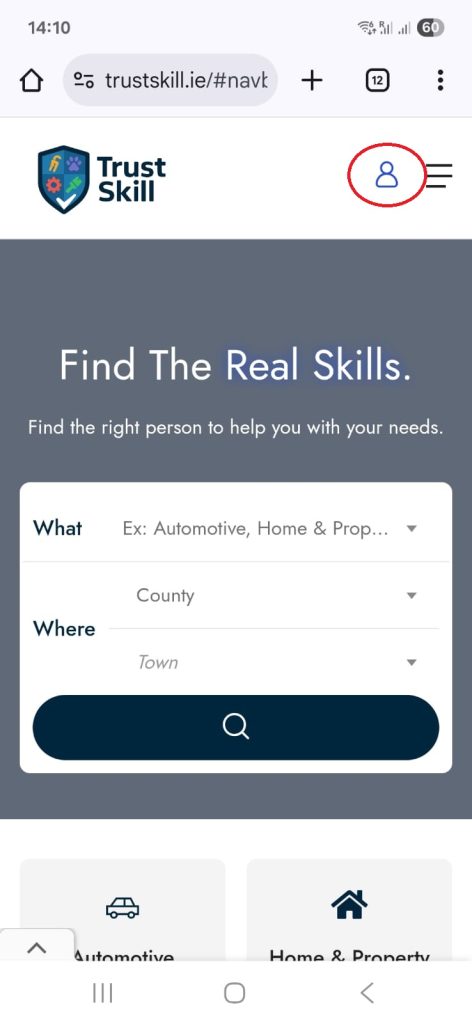
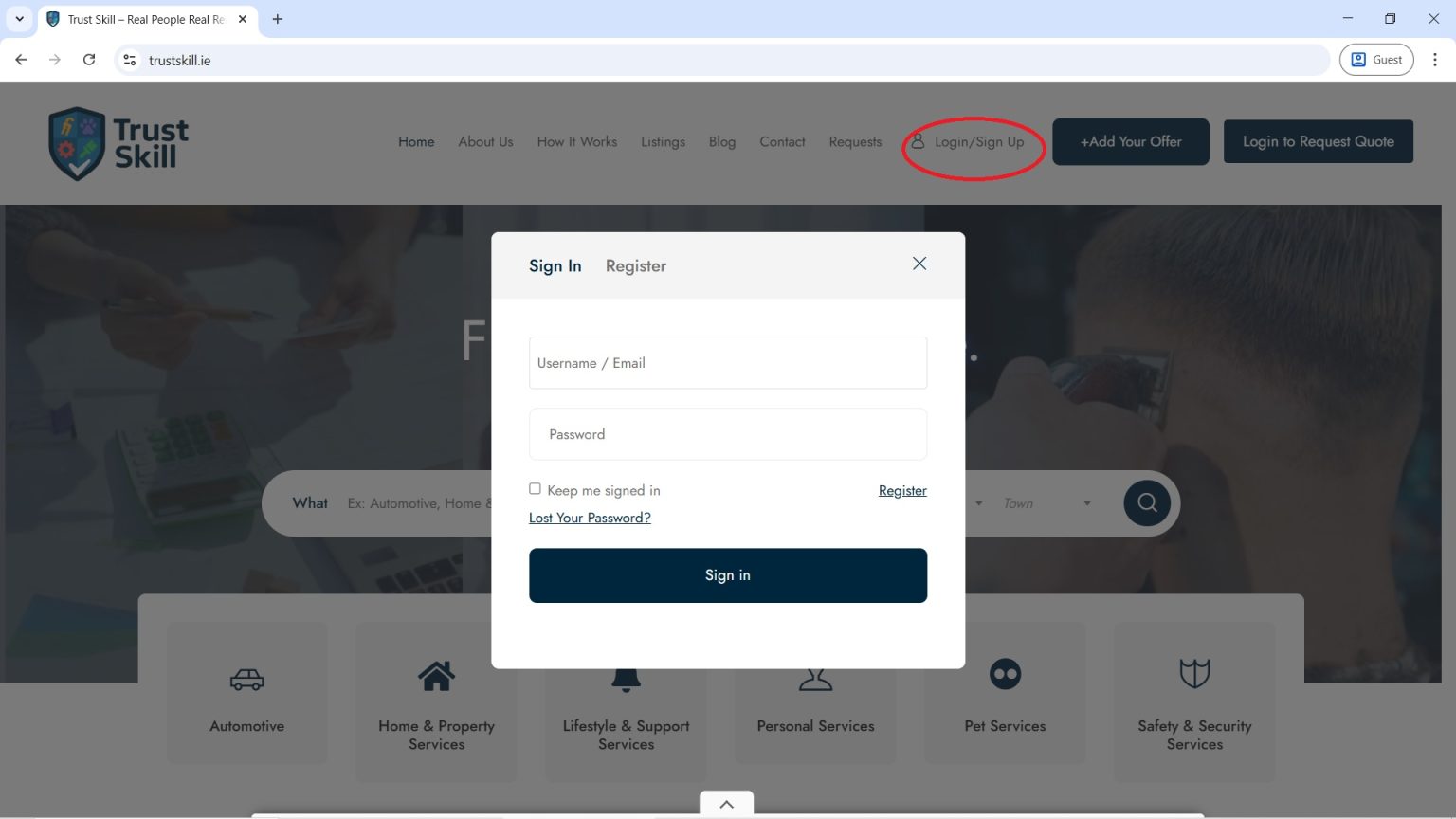
On the homepage, find and click “Login / Sign Up”.
Once registered and logged in:
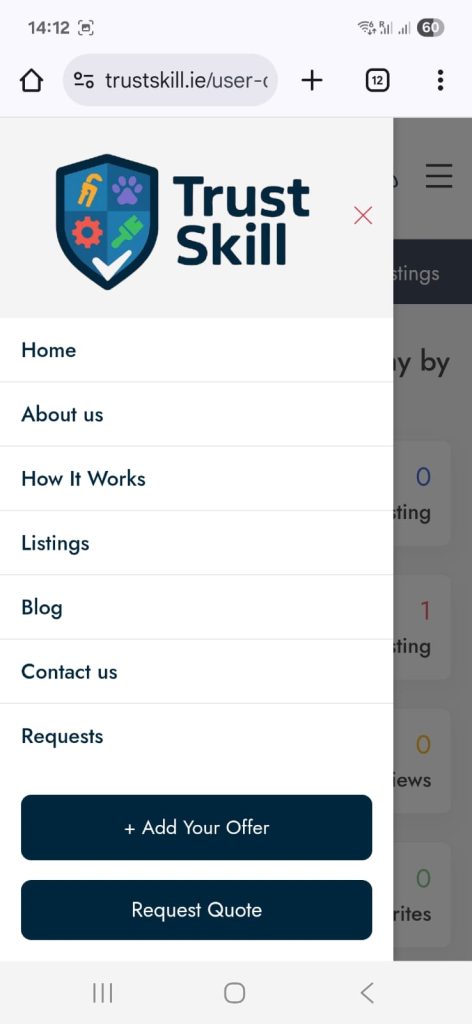
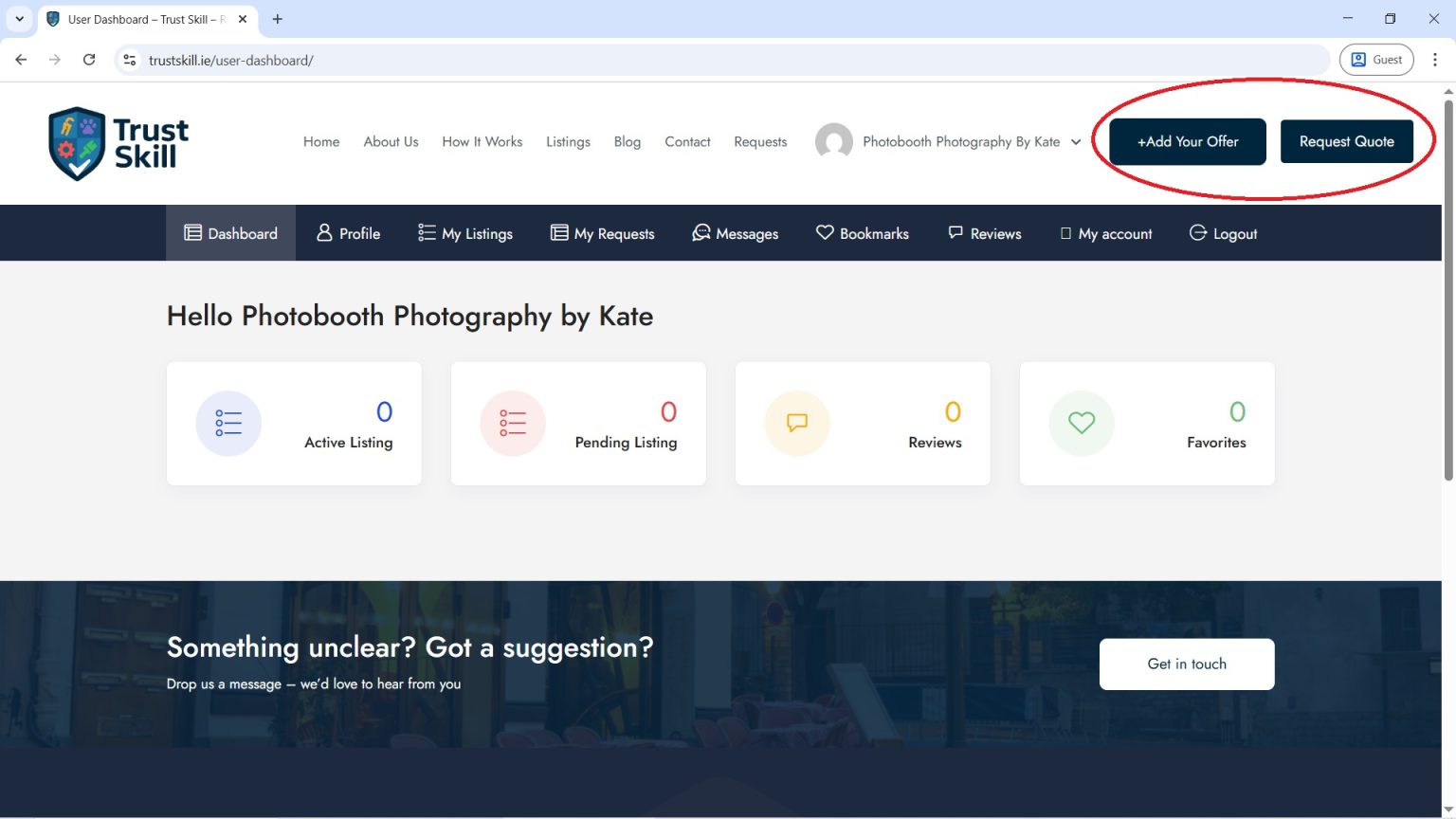
To add a listing and be visible to clients, click “Add Your Offer.”
If you’re a client looking to request a professional, click “Request Quote.”
If you're a client, click “Request Quote.”
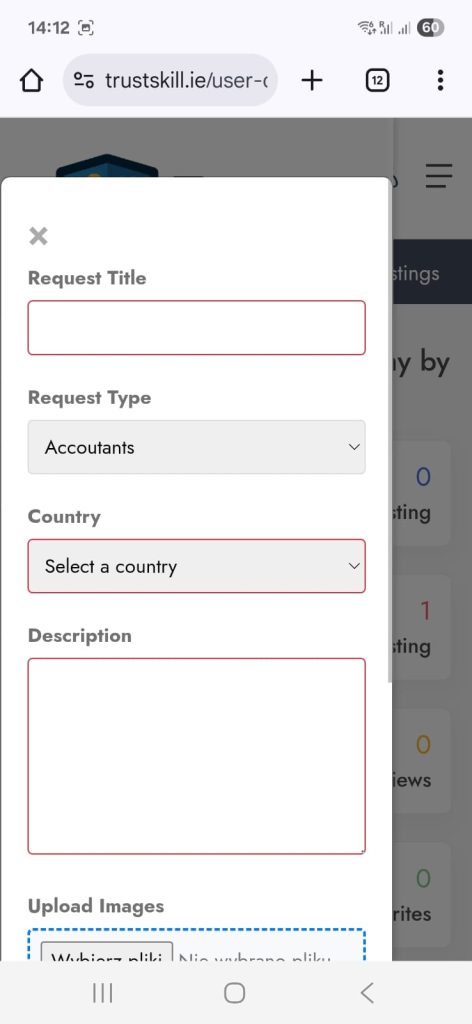
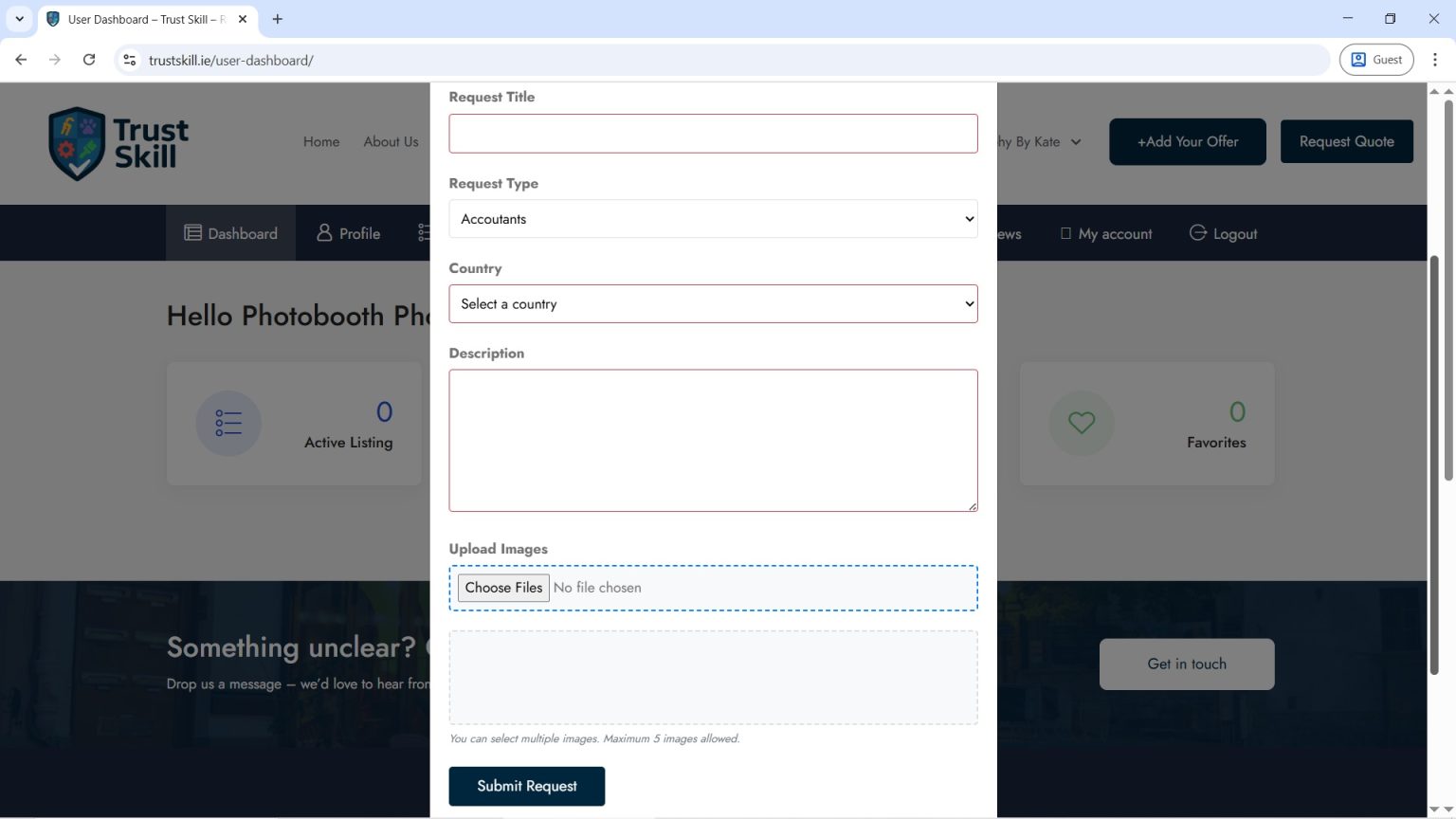
Carefully fill out the form: describe what needs to be done, where it should be done, and provide as many details as possible.
Make sure to upload at least one photo to help professionals understand your request.
If you’re happy with your request, click “Submit Request” and wait for professionals to contact you. You can also find them by using search bar on the home page
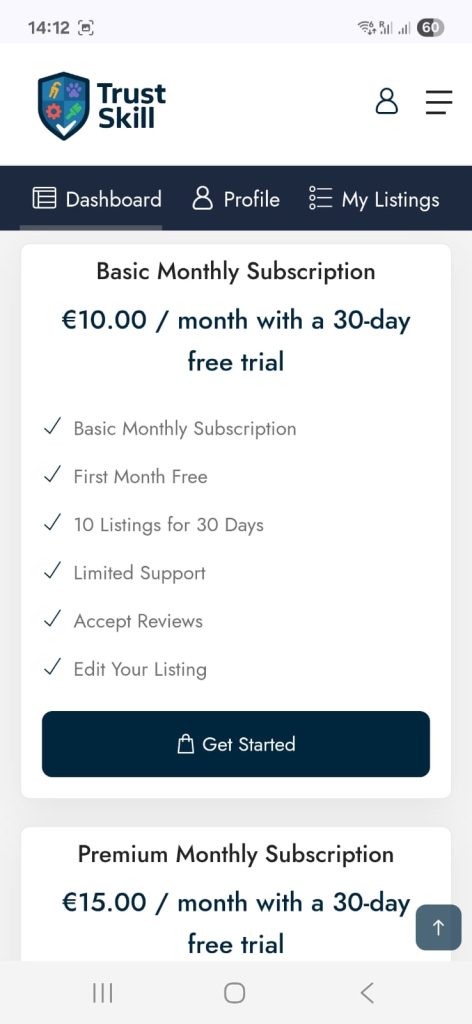
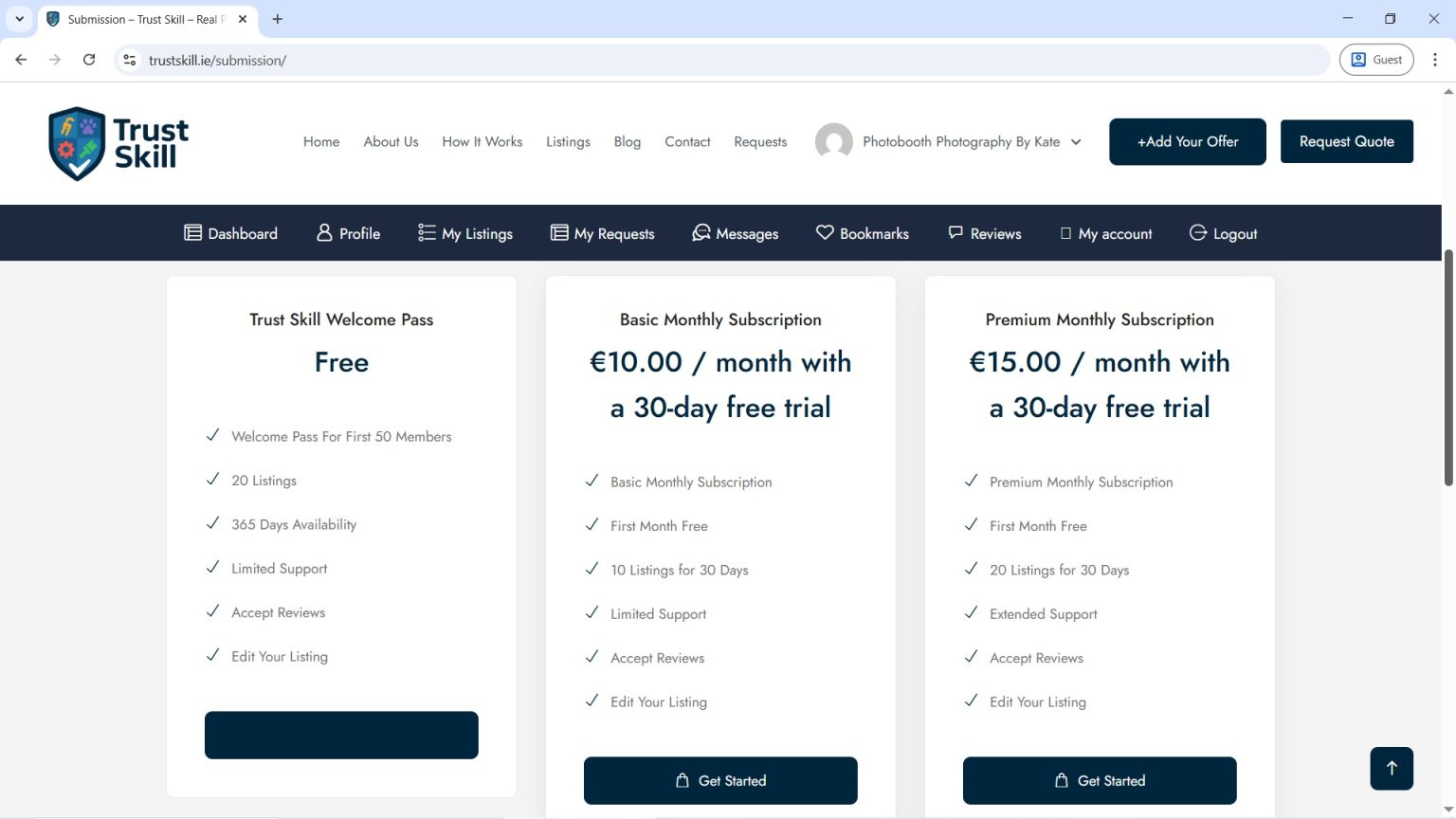
After clicking “Add Your Offer” select the package that fits your needs.
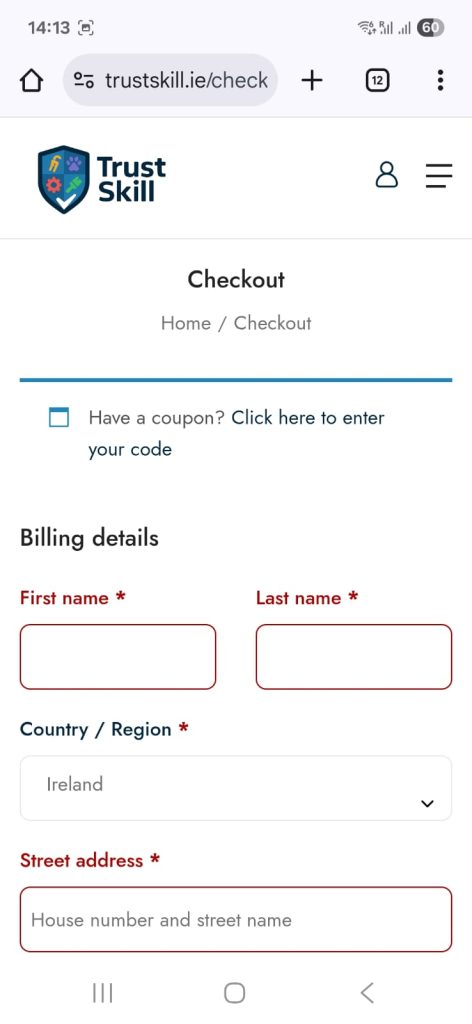
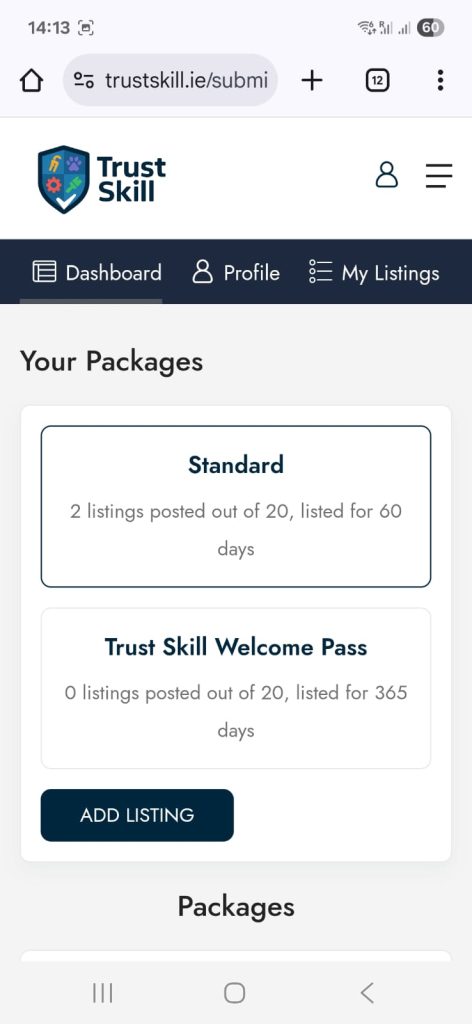
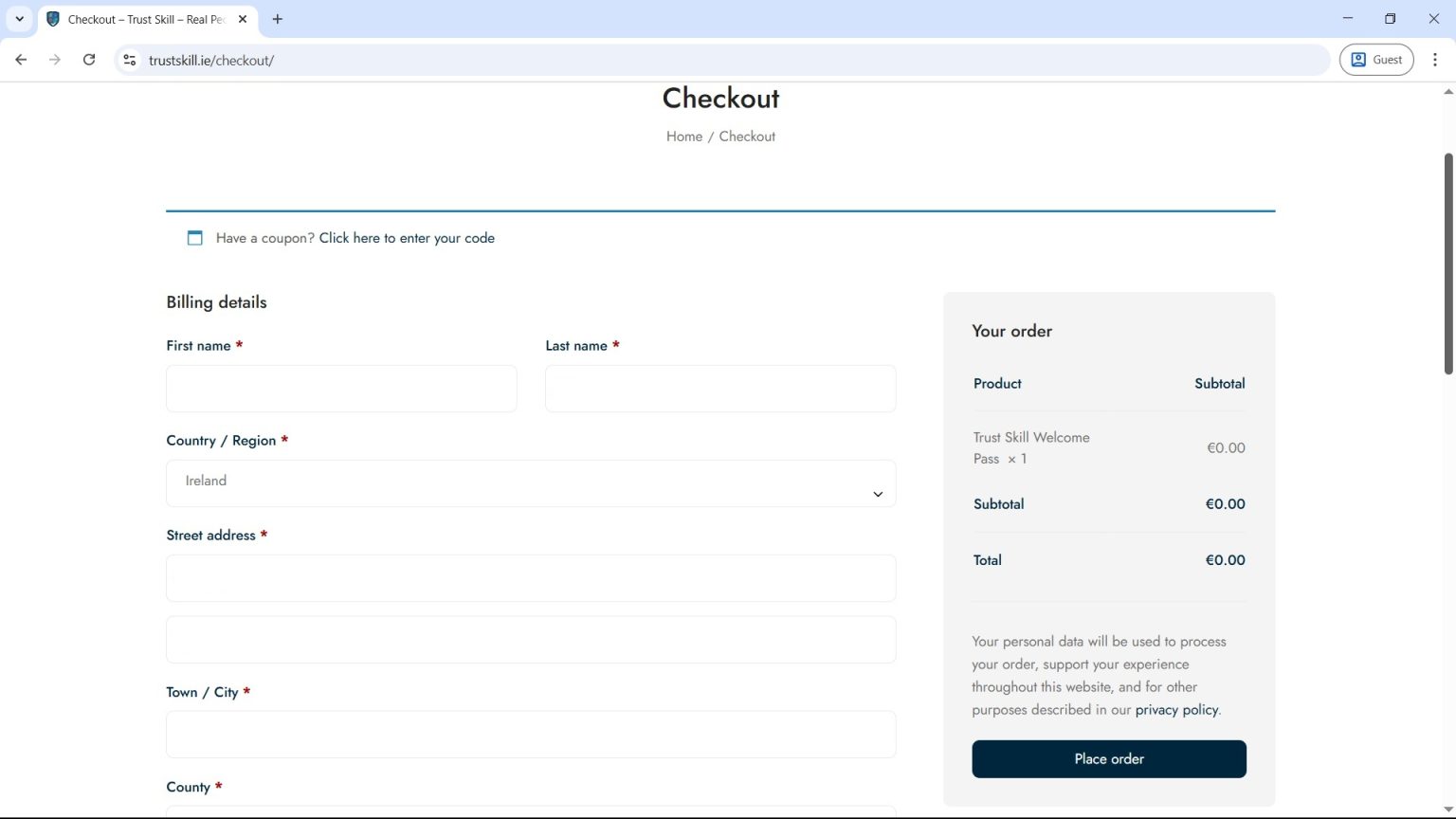
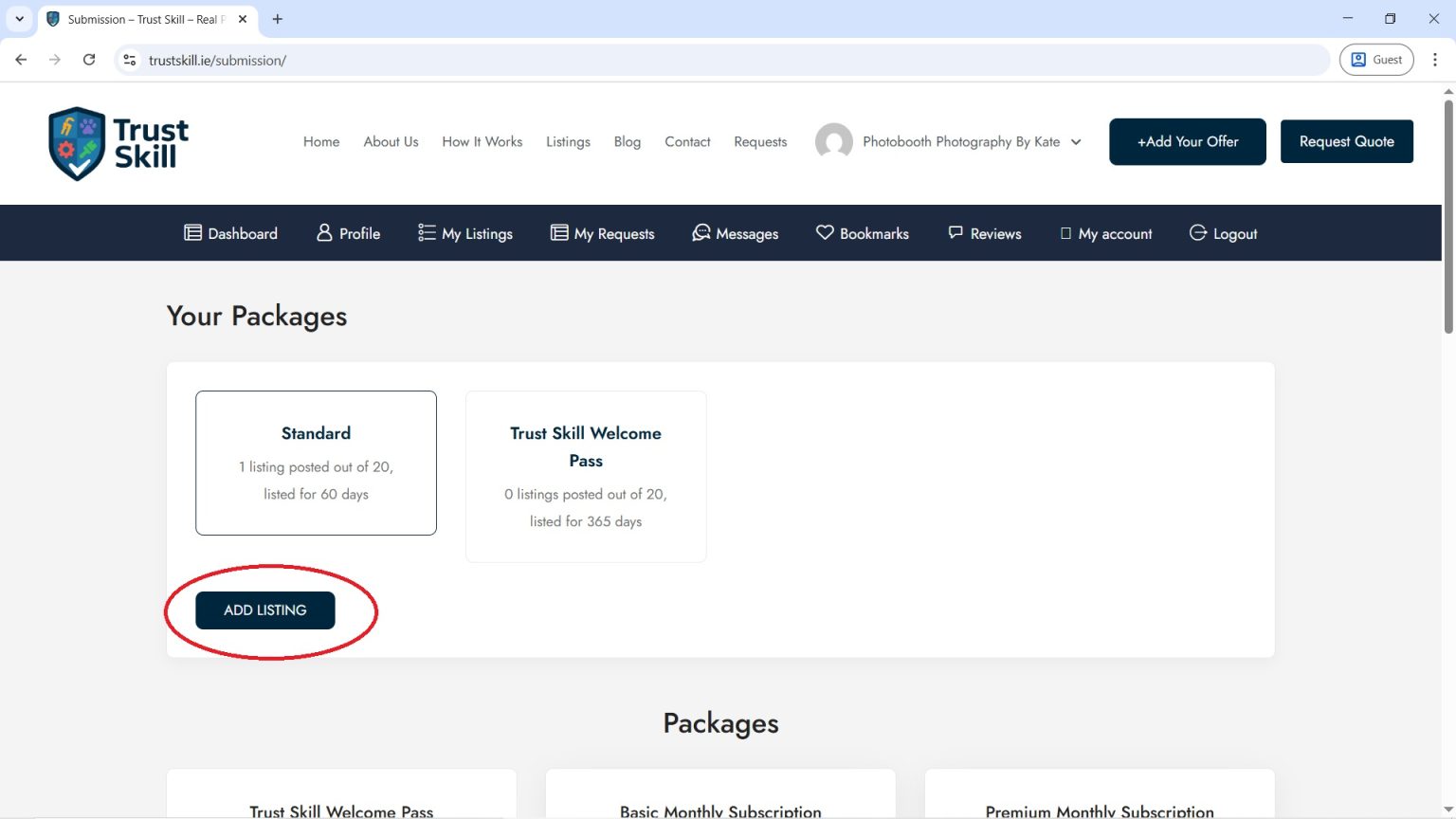
After finalizing the payment, click "Place order" and on the next screen select "Add Listing".
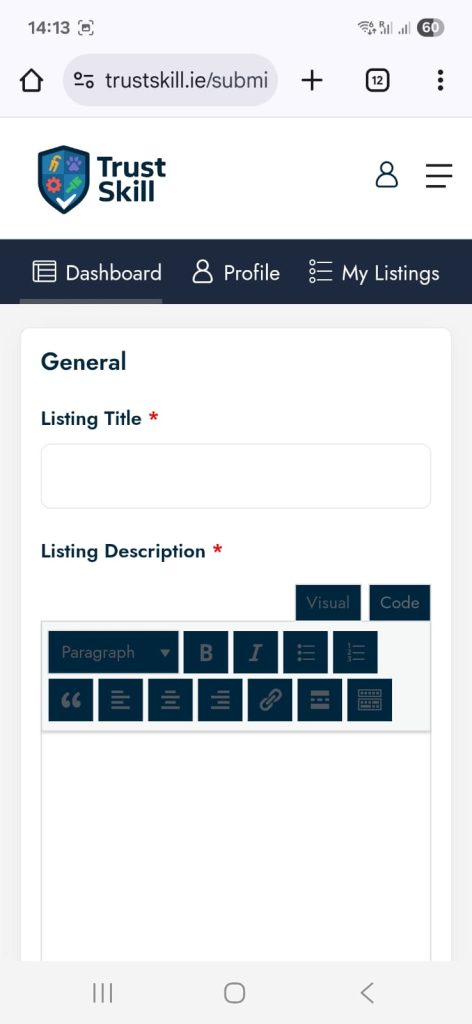
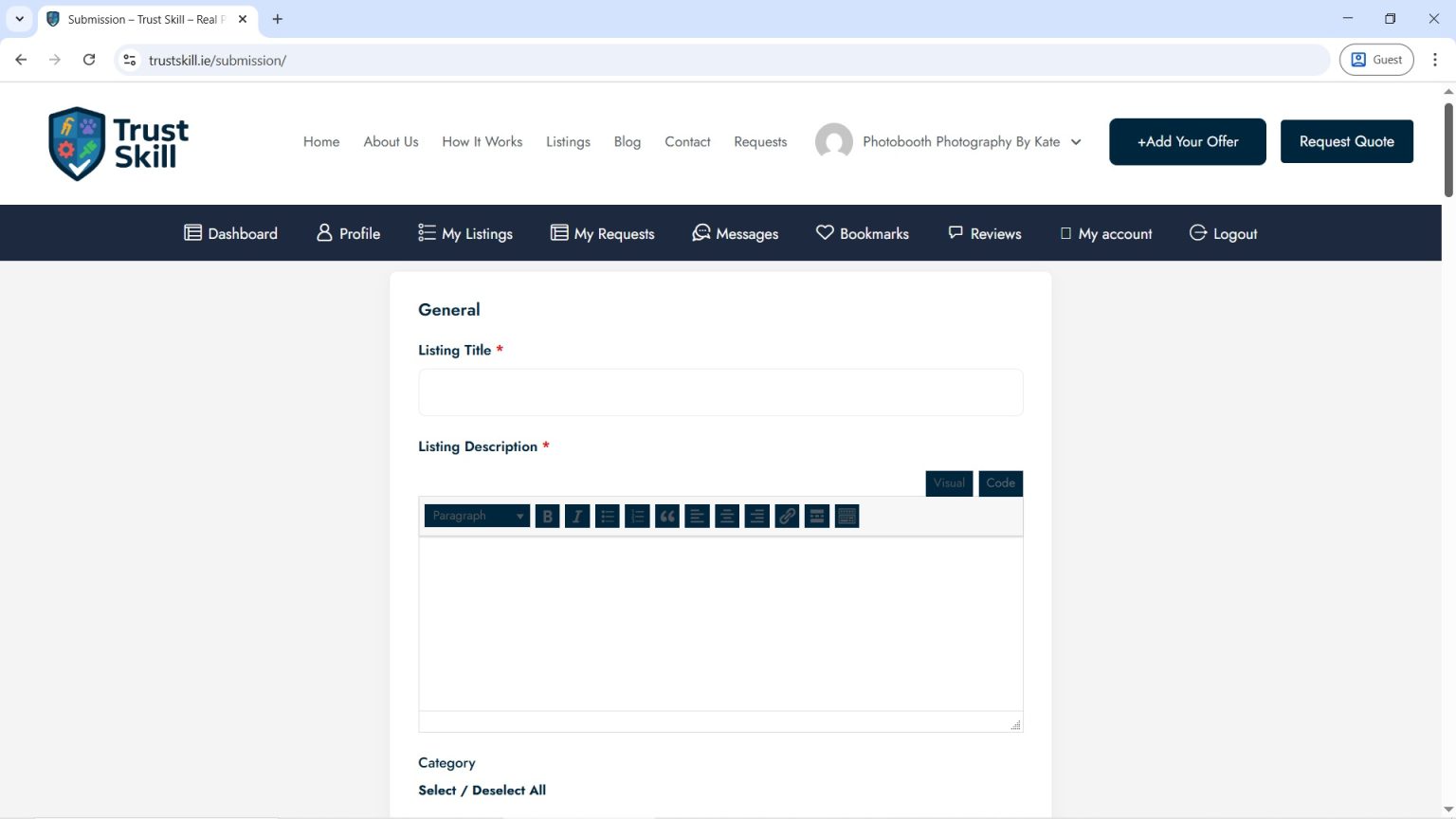
Fill out the form carefully. Add as many photos as possible, including a main image that will attract potential clients.
When the form is complete, click “Submit” at the bottom of the page.
Once approved by our team, your listing will appear under the “Listing” tab on the homepage.